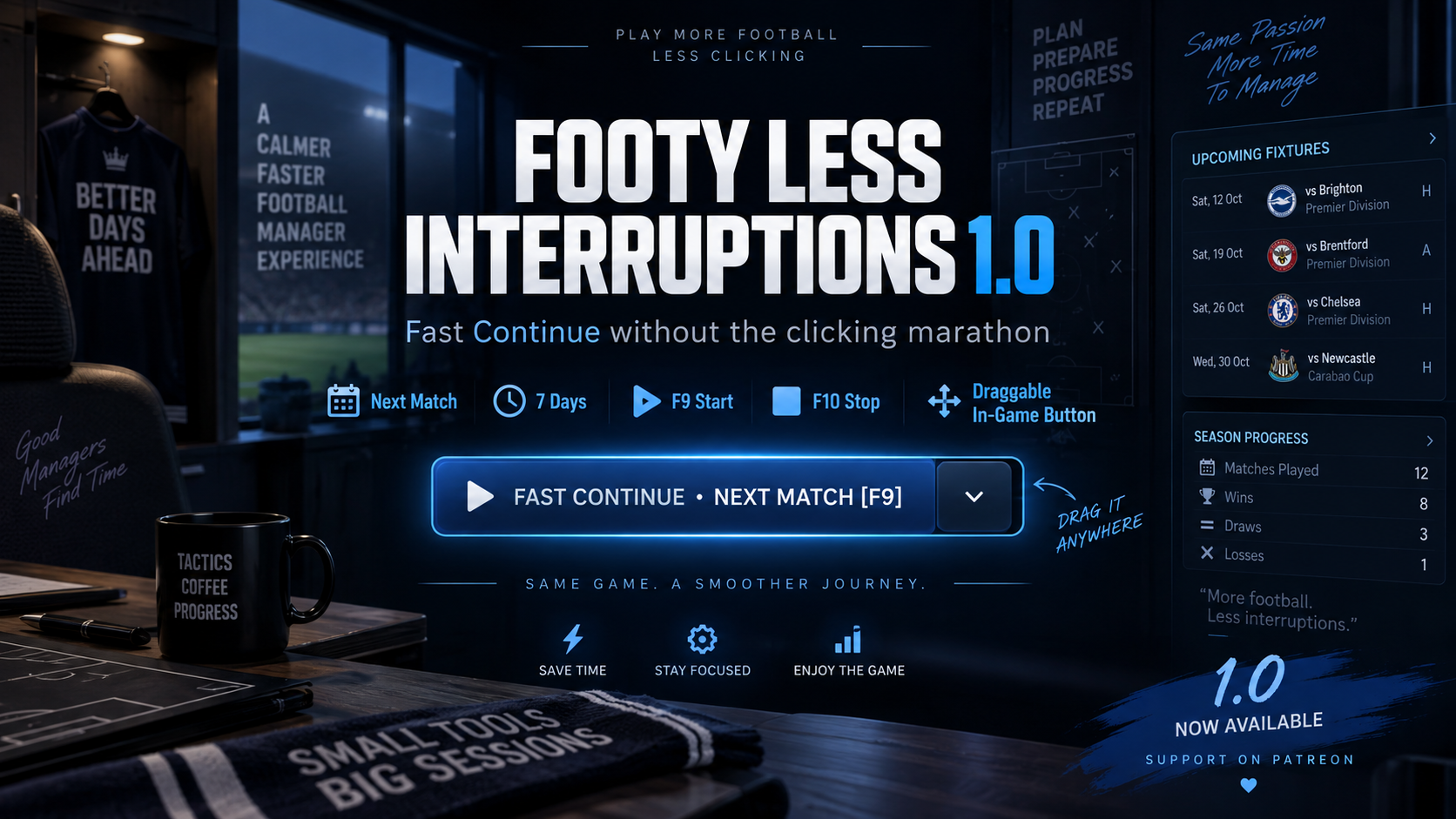
Fast Continue Your Way
Footy Less Interruptions currently gives you two Fast Continue modes:
Next Match
Jump forward through the calendar until your next match is approaching.
7 Days
Process an entire week quickly with a single click.
You can switch between both modes directly from the in-game dropdown.
In-Game Fast Continue Button
A dedicated Fast Continue button is added directly inside Football Manager.
The button can be:
- moved anywhere on your screen;
- positioned wherever it suits your skin or layout;
- switched between Next Match and 7 Days;
- used completely with the mouse;
- automatically restored to the same position the next time you start the game.
So once you've placed it where you want it, it stays there.
Keyboard Controls
Prefer using the keyboard?
F9 starts Fast Continue using your currently selected mode.
F10 immediately returns you from Fast Continue.
The button and F9 always use the same selected mode.
Uses Football Manager's Own Processing
Footy Less Interruptions does not simply spam the Continue button.
It works with Football Manager's own internal processing system, allowing the game to move through days quickly in the same way FM itself normally processes time. That makes Fast Continue feel much more natural than a traditional automatic-clicking solution.
Your Manager Doesn't Become a Professional Holidaymaker
Normally, using Holiday increases Football Manager's internal Holiday statistics.
Footy Less Interruptions dont work with those Holiday systems & counters from building up while Fast Continue is being used.
So you get the speed of Holiday processing without your manager profile slowly turning into: "Great manager. Apparently spends half the season on a beach."
The plugin don't use Holiday statistics while still allowing FM to process the calendar normally.
Important Events Can Still Bring You Back
When Football Manager reaches a situation that requires your attention, Footy Less Interruptions can return control to you instead of blindly continuing.
The current system already detects important FM states such as required responses and team-related interruptions.
This area will continue to be expanded in future versions so players will eventually have much more control over what should stop Fast Continue and what should simply be ignored.
What’s Next?
The current release provides the foundation:
Next Match
7 Days
F9 Fast Continue
F10 Return
Draggable in-game button
Saved button position
Saved Fast Continue mode
No accumulating Holiday statistics
Automatic return for important FM states
Future updates will focus on more detailed interruption controls, allowing you to decide exactly when Football Manager should bring you back.
The end goal remains simple:
Less clicking. Less waiting. More managing.
And of course, you can always use the normal FM26 Proceed button whenever you want to play the game exactly as usual. That’s why Footy Less Interruptions adds its own separate Fast Continue button instead of replacing FM’s original controls.
Welcome to Footy Less Interruptions 1.2.0.
Comments
0 community reactions to this article.
Website members and Patreon members can comment on Footy News.
Login to commentCreate account